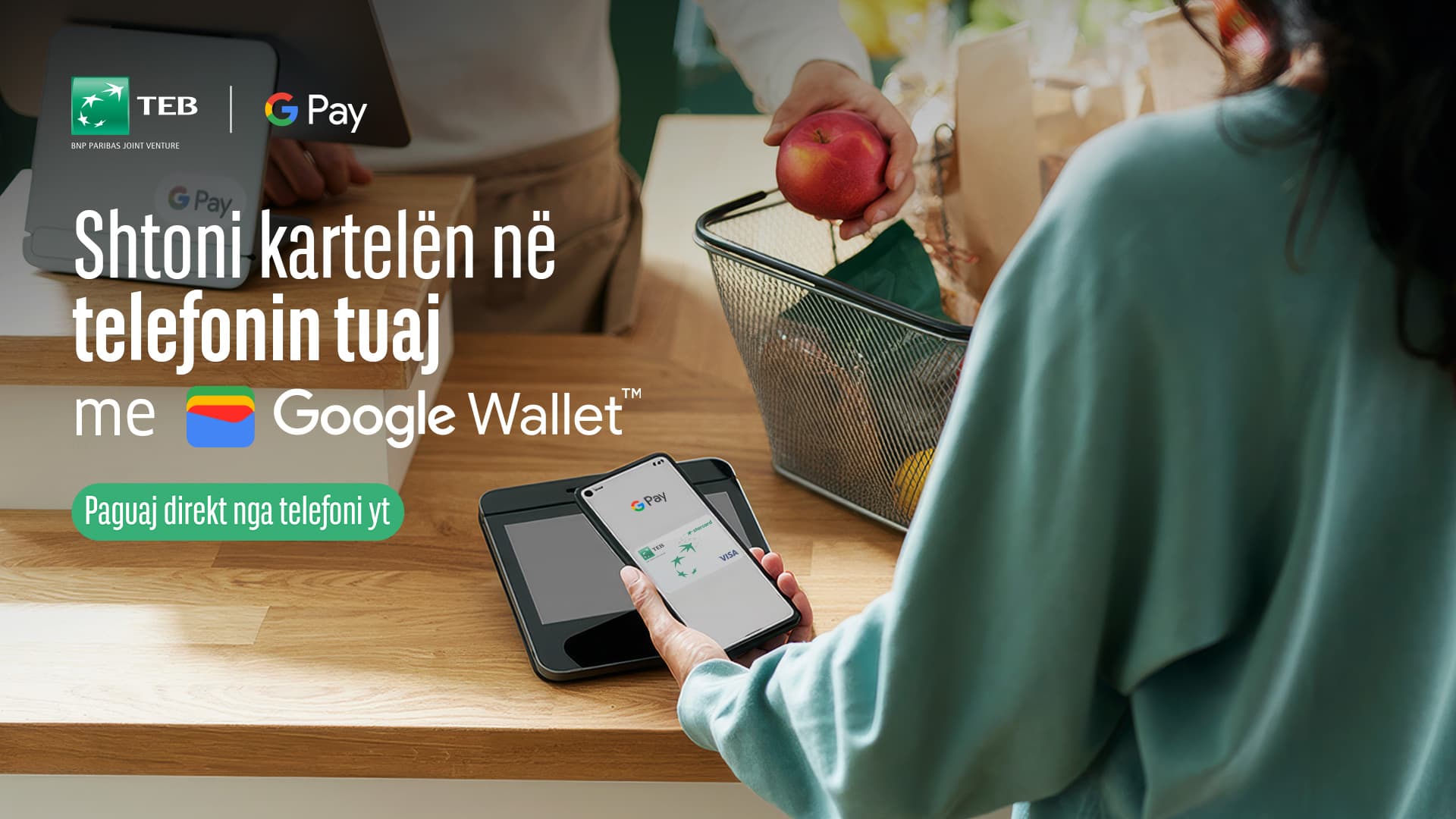
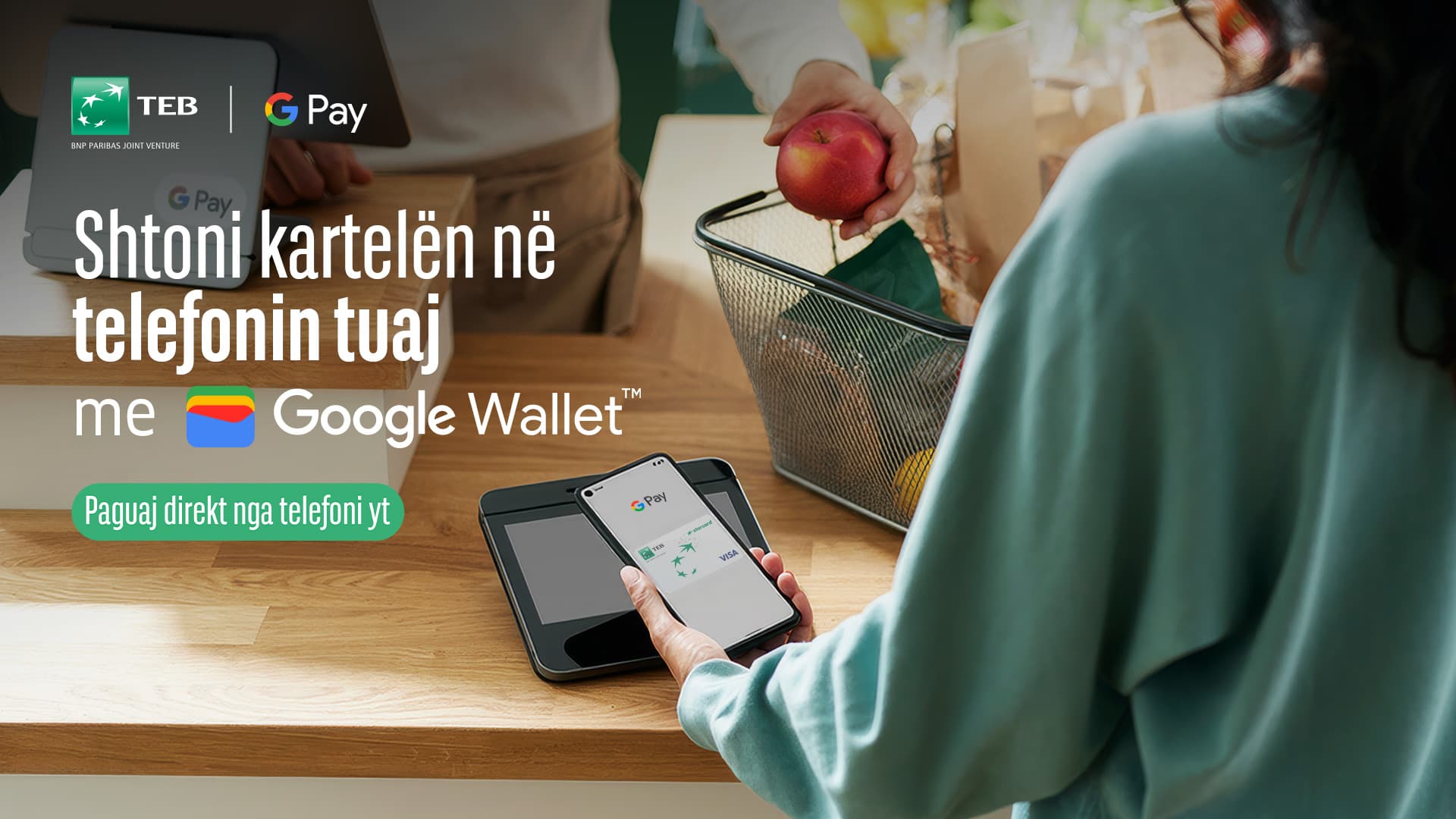
Your payments now become even easier!
With your TEB card you can pay directly through your Samsung phone or other Android devices.
Add your card to Google Wallet.
Step 1 – Download the app
Open the Google Play Store, search for Google Wallet and install the app.
Step 2 – Open the app
Open Google Wallet and press the + Add to Wallet button.
Step 3 – Choose a card
Select Payment Card, then New credit or debit card.
Step 4 – Enter details
Scan the card with the camera or select Enter details manually to enter the details manually.
Step 5 – Accept the terms
Press Save and continue, read the bank's terms and conditions and press Accept.
Step 6 – Card Verification
Choose the verification method, receive the SMS code from the bank and enter it in the application.
Step 7 – Final Registration
After verification is complete, the card appears in Google Wallet and is ready for use.
TEB now also in Google Wallet!
 Loading…